

A Practical Workflow + Live Demo Examples
AI can help you build a landing page faster, but speed is not the real win. The real win is clarity. A landing page works when it makes one offer feel easy to understand, easy to trust, and easy to act on.
This article walks through a simple workflow for creating landing pages with AI, then polishing the result so it looks clean, feels intentional, and is ready to publish. I also included live demo examples you can preview, plus options to purchase a theme or page template.
What AI is good at, and what still needs a human brain
AI is excellent at:
- Drafting structure, section order, and page flow
- Generating first pass copy and headline options
- Suggesting calls to action, FAQs, and objection handling
- Helping you brainstorm offer angles and benefits
AI still needs help with:
- Choosing the strongest positioning for your niche
- Cutting the fluff and making copy sound real
- Designing hierarchy, spacing, and visual rhythm
- Adding trust cues that fit your audience
- Making the page feel premium, not generic
The best results come from a two step approach: use AI to get a solid draft fast, then apply design and conversion polish.
The 7 step workflow I use to create AI assisted landing pages
Step 1: Define the single job of the page
Before you prompt anything, decide:
- Who is this page for
- What action should they take
- What would make them hesitate
Write one sentence: “This page is for [audience] who want [outcome] and need help with [pain point].”
Step 2: Ask AI for a landing page outline, not full copy
Prompt for structure first. You want a clean sequence, for example:
- Headline + subhead
- Benefits
- Services or offer
- How it works
- Social proof
- Pricing or packages
- FAQ
- Final call to action
Once the outline is right, the copy gets easier.
Step 3: Generate copy in small chunks
Instead of asking for the entire page at once, do this section by section:
- Write 10 headline options
- Write 5 subhead options
- Write 6 benefit bullets
- Write 3 short CTA phrases
- Write 6 FAQ questions and answers
Then you choose the best, edit, and keep the voice consistent.
Step 4: Add trust cues and decision helpers
Most landing pages fail because they do not feel trustworthy. Add:
- How it works steps
- Realistic expectations and boundaries
- Testimonials or results if available
- Clear pricing ranges or starting points
- Location, service area, or availability
- FAQ that answers what people actually worry about
Step 5: Design polish that makes it feel high end
This is where your page stops looking like an AI draft:
- Strong spacing and section separation
- Clear typography hierarchy
- Consistent button styles and colors
- Clean icons, simple illustration, or real photos
- One primary call to action per section
Step 6: Make it mobile first
Most clicks come from mobile. Check:
- Headline fits without awkward line breaks
- Buttons are easy to tap
- Sections do not feel too long
- Forms are short and friendly
Step 7: Launch, then iterate with real feedback
Publish the page, then improve it based on:
- What people click
- Where they drop off
- What questions they still ask
- Which CTA gets more form submissions
A landing page is not a one time project. It is a living asset.
Live demo examples you can preview
Below are live demo landing pages showing this AI plus design polish workflow in different niches. Each one includes strong sections, clear calls to action, and a clean layout that is ready to adapt.
Use these as inspiration, or purchase a theme to customize for your own business.
What to look for in the demos
- Clear headline that matches the offer
- Fast understanding of what is being sold
- Simple page flow with trust cues
- A call to action that is repeated, not hidden
- A design that feels friendly and professional
Want a landing page built for your niche?
If you want a landing page that looks polished and converts well, the fastest path is starting from a proven structure and then tailoring the messaging to your audience.
Use the preview links to explore the demos, then use the purchase link if you want a theme you can customize.
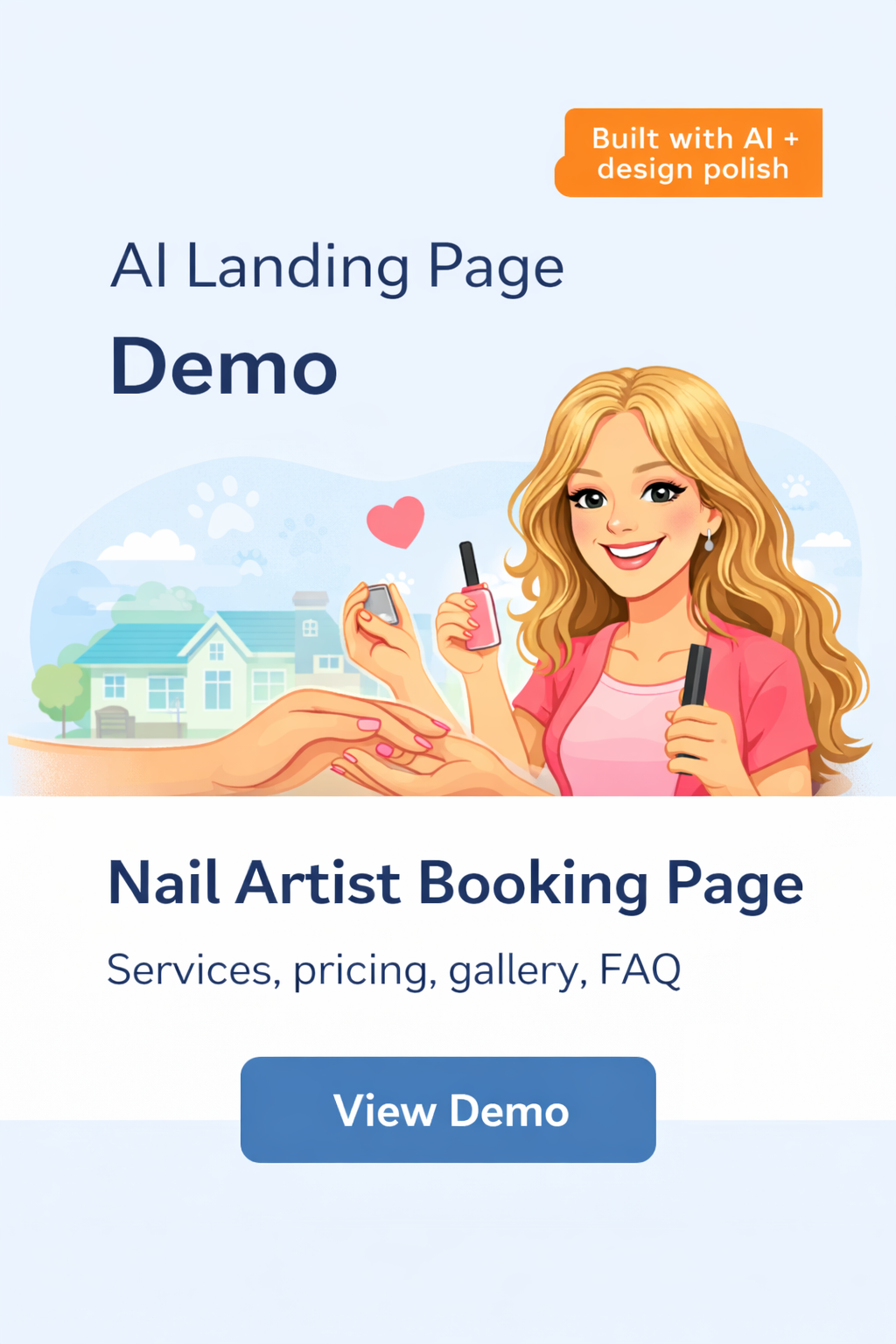 |
Nail Artist Booking PageAI assisted landing page structure and copy, refined with design polish. Includes services, pricing, gallery, FAQ, and a clear booking call to action. Preview demo + Purchase |
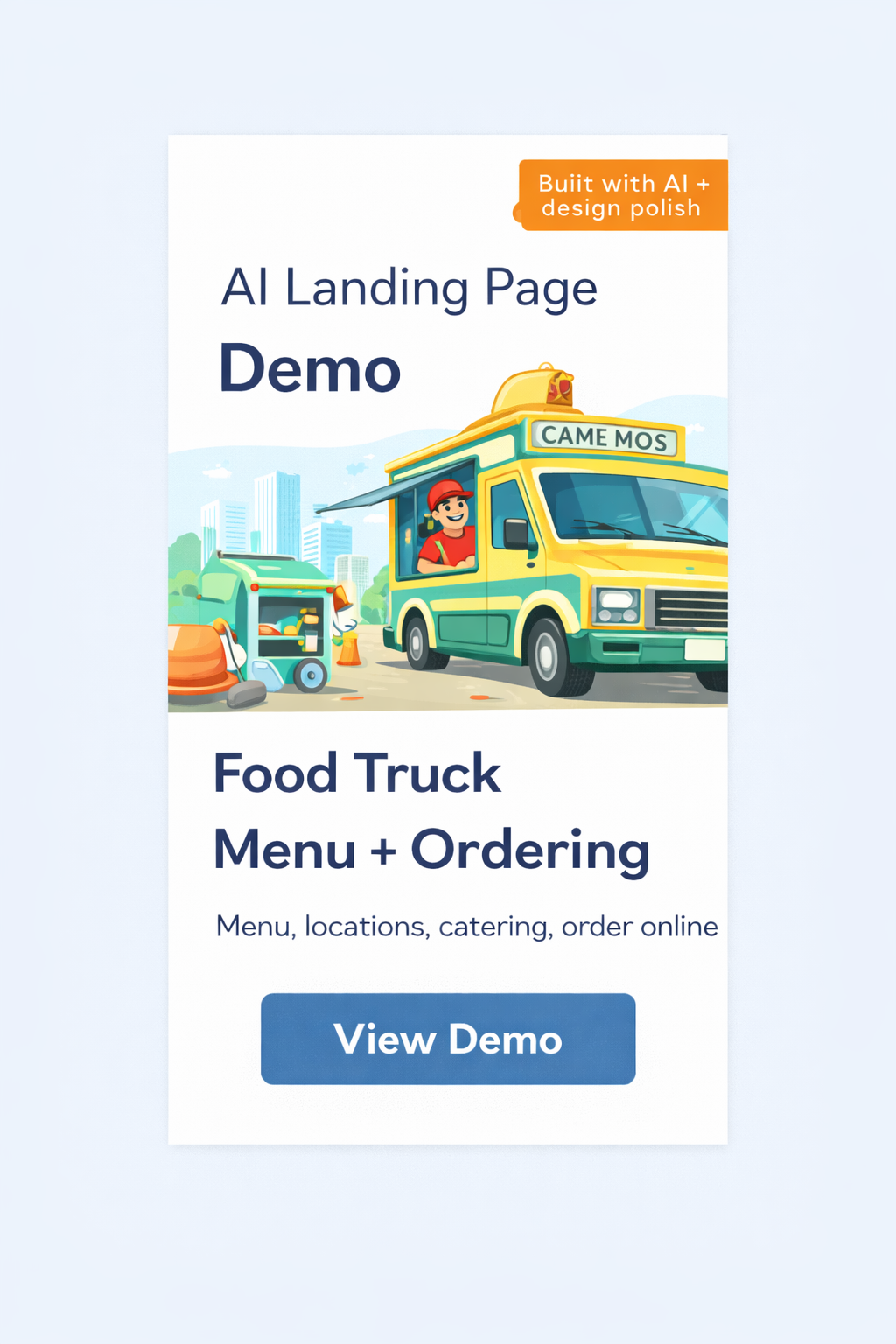 |
Food Truck Menu + OrderingLanding page built with AI assisted layout and messaging, then refined for fast ordering. Preview demo + Purchase |
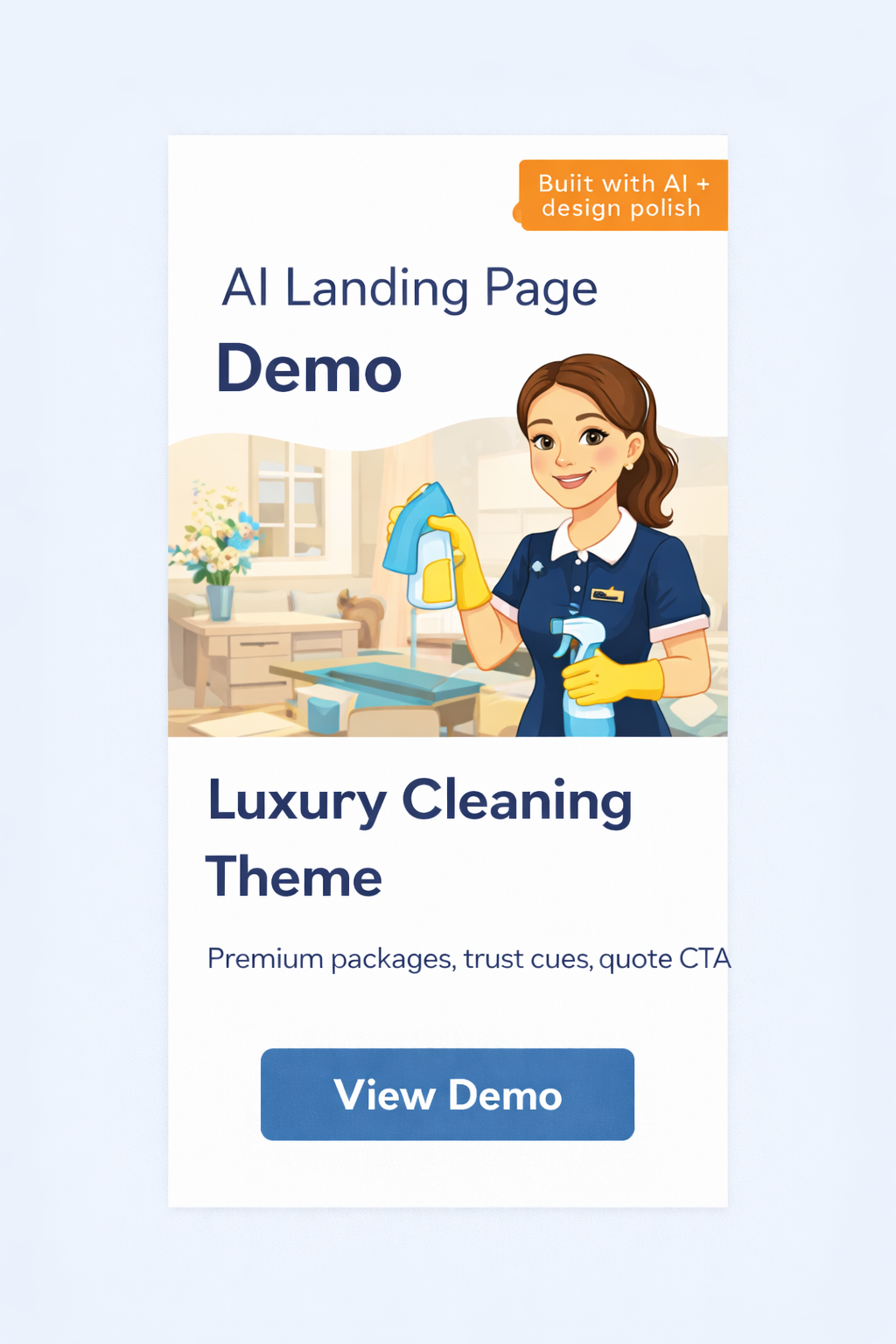 |
Luxury Cleaning ThemePremium service layout with trust cues and a quote focused call to action. Preview demo + Purchase |
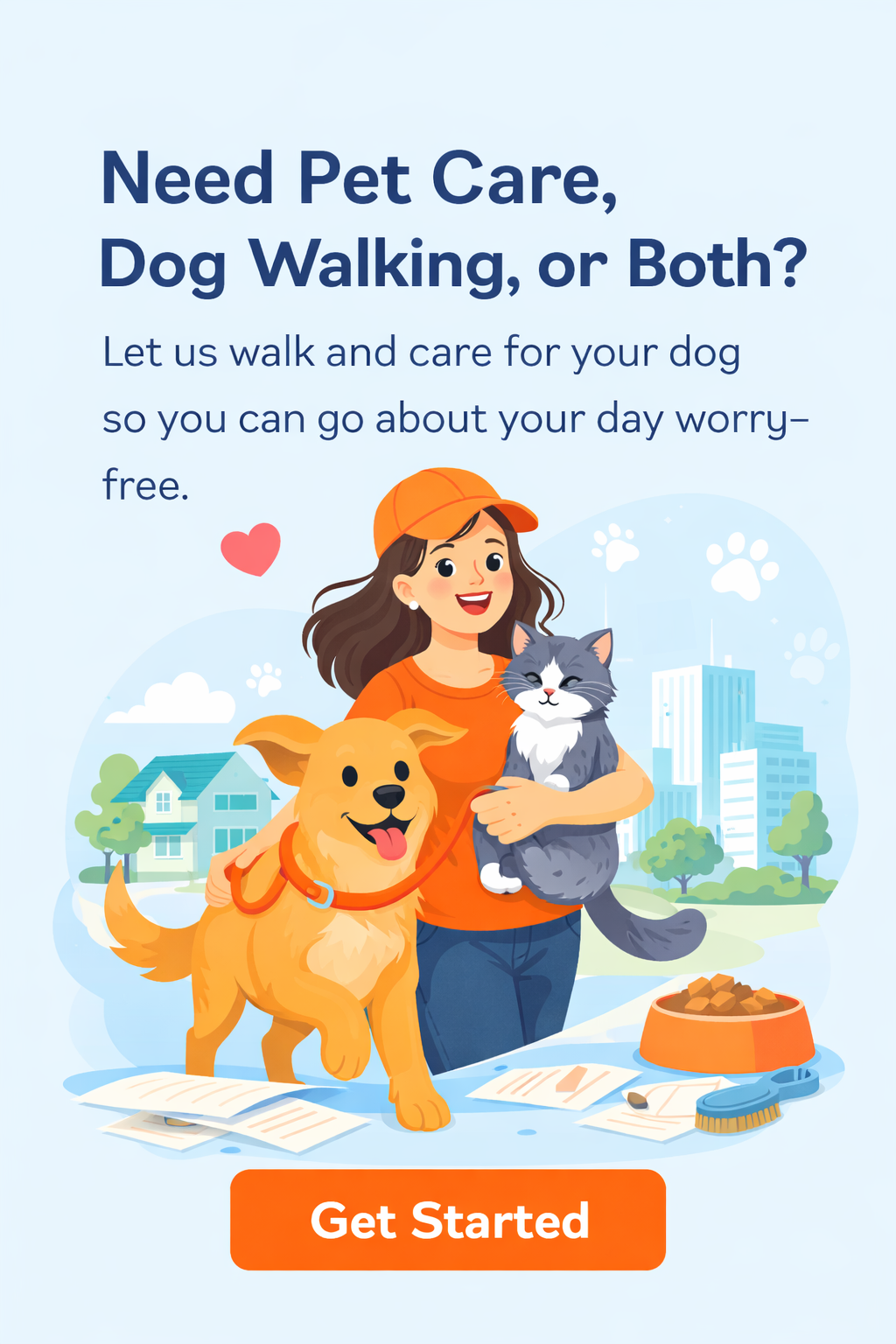 |
Pet Care + Dog WalkingFriendly service page with clear pricing, reviews, FAQ, and booking path. Preview demo + Purchase |



0 Comments